
For payroll
A record you can trace back to the door.
Touchpoint documents the in-person punch so your existing time-and-attendance system can keep handling the rules, approvals, and payroll process.
Touchpoint SmartClocks
Touchpoint SmartClocks help confirm the employee is there in person, then deliver the punch to the time-and-attendance software your organization already uses.
Keep your existing workflow. Add a dependable way to collect the punch.
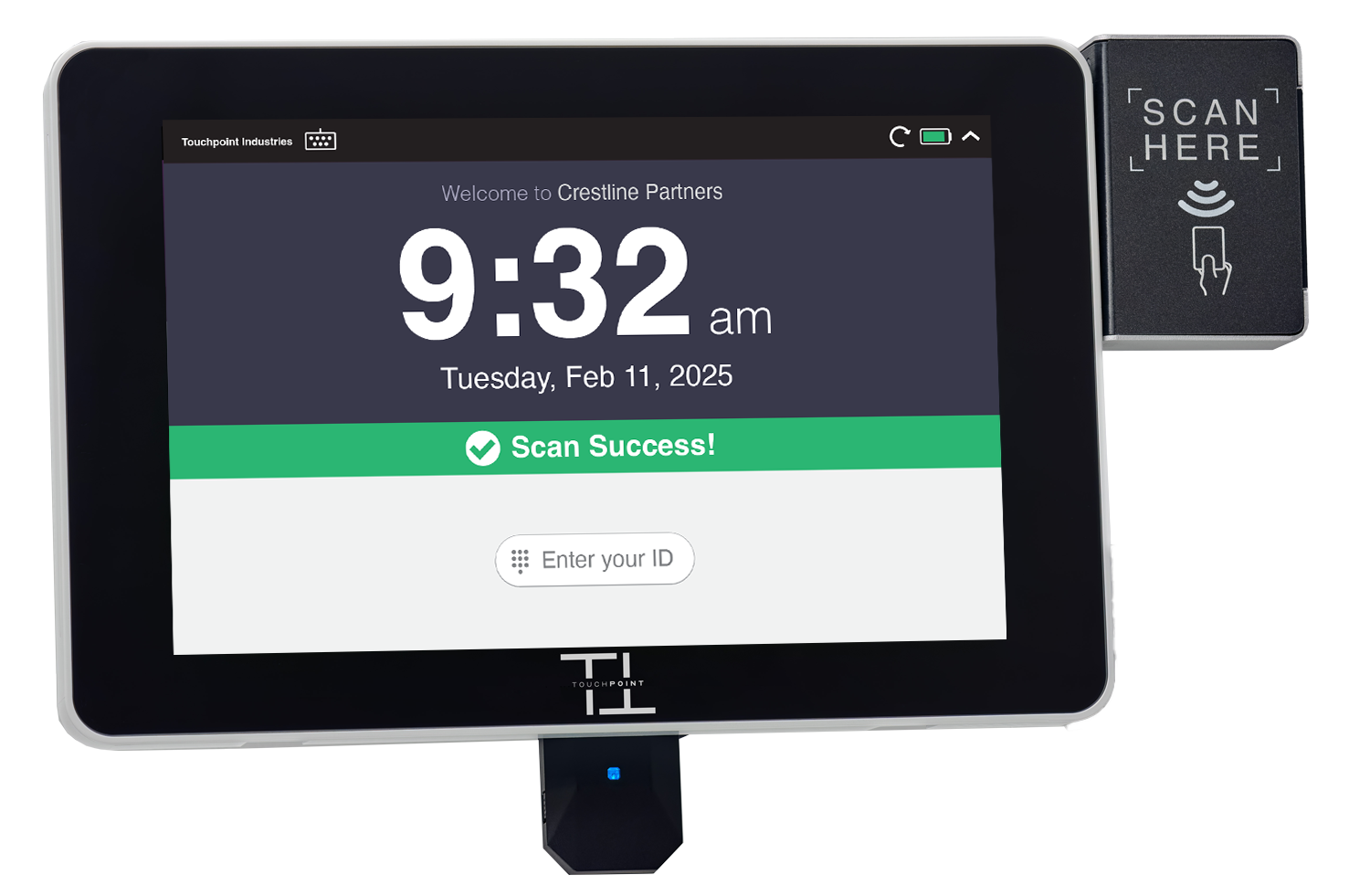 Your software. Better punch data.
Verified presenceat the point of punch
Existing workflowkeeps its pay rules
Purpose-built clocksfor the workday ahead
The right fact, at the right moment
SmartClocks are designed around the moment that matters: when a staff member arrives and needs a clear, dependable way to punch in.
For payroll
Touchpoint documents the in-person punch so your existing time-and-attendance system can keep handling the rules, approvals, and payroll process.
For IT
Touchpoint’s official SmartClock offering includes purpose-built time clocks and support options designed for busy, shared environments.
For hourly staff
Depending on the device, employees can use a proximity badge, an ID and PIN, or additional verification options at the clock.
How Touchpoint fits
Time-and-attendance software determines what a punch means for pay codes, leave, substitutes, approvals, and payroll. Touchpoint supplies the reliable, in-person record that starts that process.
Explore the full Touchpoint offeringAn employee uses the method supported by their SmartClock.
Touchpoint passes the recorded punch into the organization’s time-and-attendance workflow.
Your existing software and payroll process continue to do the work they were chosen to do.
The SmartClock family
Every model is a purpose-built way to collect time. Choose the safeguards, punch methods, and form factor that fit the building—not a one-size-fits-all device.
For teams that need a rugged clock with options such as built-in 4G failover and backup protection.
View Max on TouchpointK12.com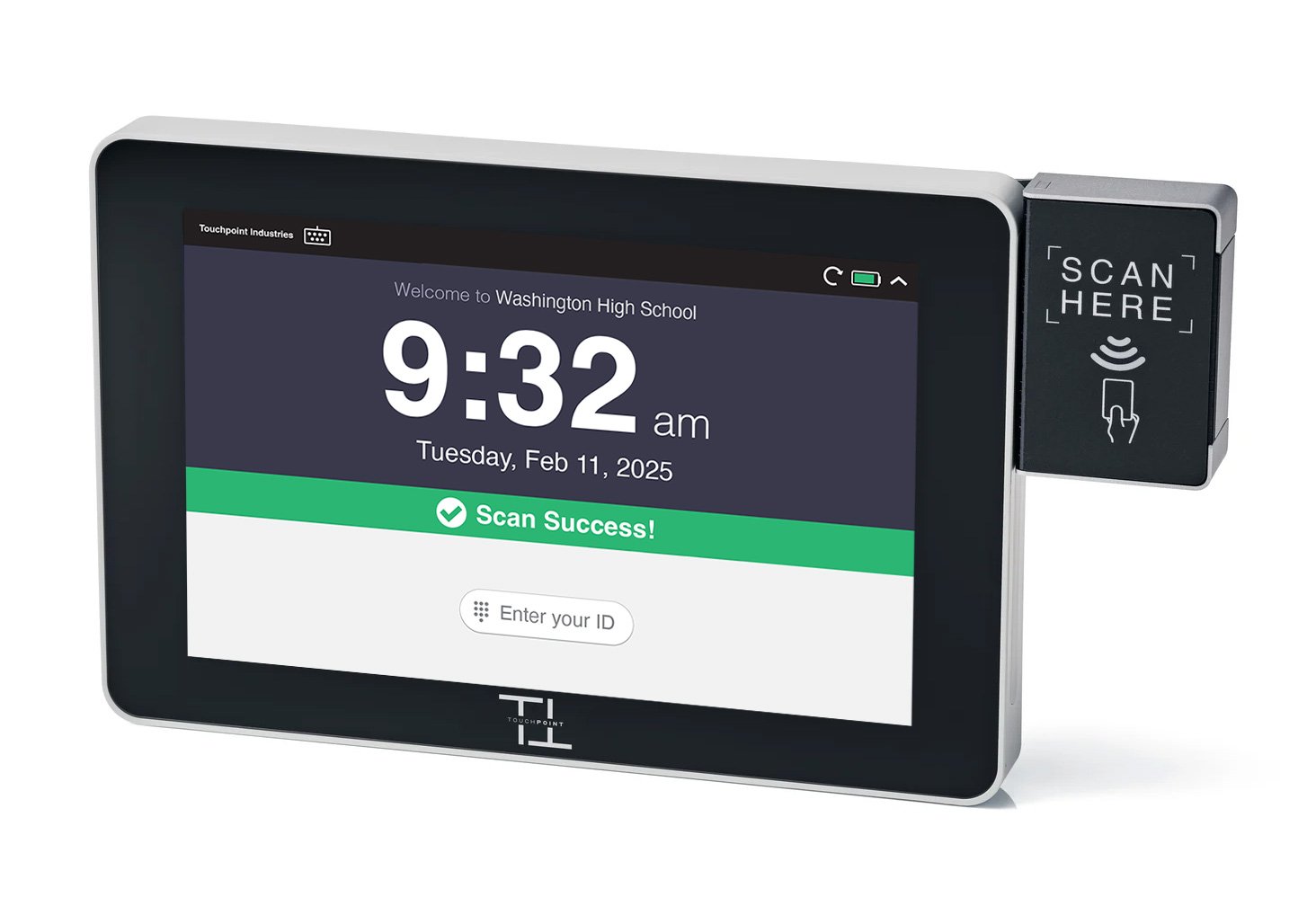
A durable clock for organizations that want secure, preconfigured collection with flexible badge or PIN options.
View Standard on TouchpointK12.com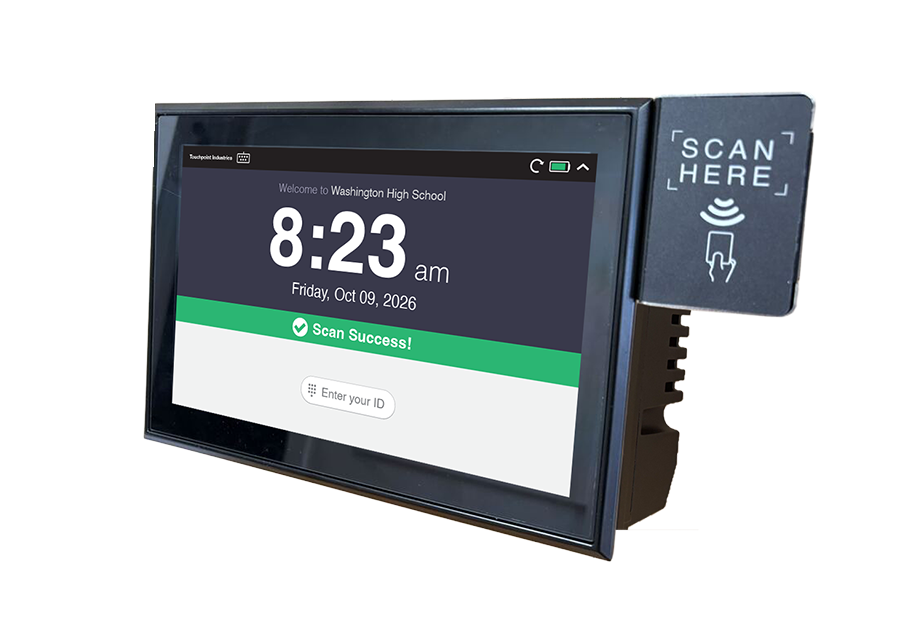
Designed for badge or ID-and-PIN clocking in a sturdy, visible wall-clock form factor.
View Classic on TouchpointK12.com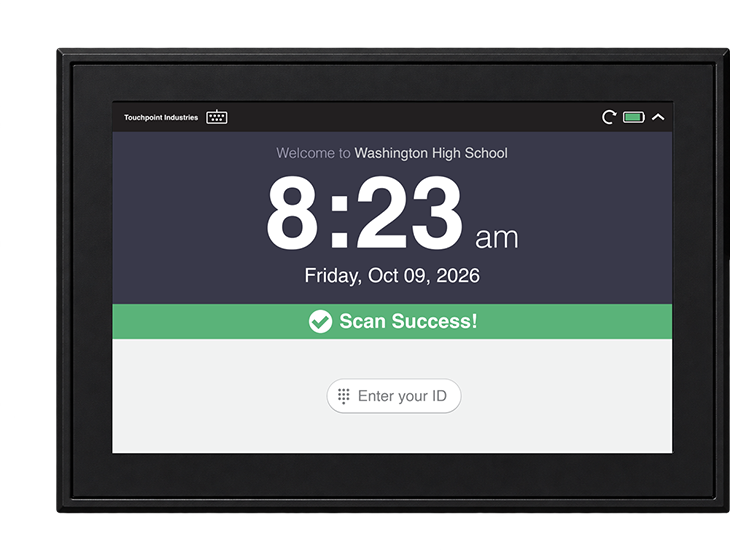
A straightforward entry point for teams that do not need badge scanning at the clock.
View Mini on TouchpointK12.comBuilt to be supported
Touchpoint’s White Glove Service & Support offering describes remote technical support, proactive monitoring, and guided implementation. Explore the official service details to see what support looks like for your organization.
Explore White Glove ServiceKeep learning
Answers before you ask
Touchpoint Time helps visitors learn about SmartClocks. Product evaluations, quotes, demos, and support continue through the official Touchpoint K12 team.
Touchpoint Time is a Touchpoint website that introduces the SmartClock timekeeping offering. Official product, quote, demo, resource, contact, and support actions open the corresponding Touchpoint K12 pages.
No replacement is implied. Touchpoint SmartClocks are presented as a way to collect a reliable in-person punch for the time-and-attendance workflow an organization already uses. Discuss your specific environment with Touchpoint before making a purchase decision.
Options vary by model. Official product pages describe proximity badge, ID-and-PIN, and certain additional verification options for selected devices. Review the specific product page for the clock you are considering.
Use the Request a demo or Request a quote links on this site. They deliberately open Touchpoint K12’s existing contact paths, where the appropriate team can follow up.
Make the punch the easy part
Connect with the Touchpoint K12 team for a demo, product conversation, or quote.